Messages are persisted locally on every tier, so nothing is ever lost. Pro adds auto-sync on connect: when a number links, SocialMate pulls contacts, chats, and message history into your local database automatically.
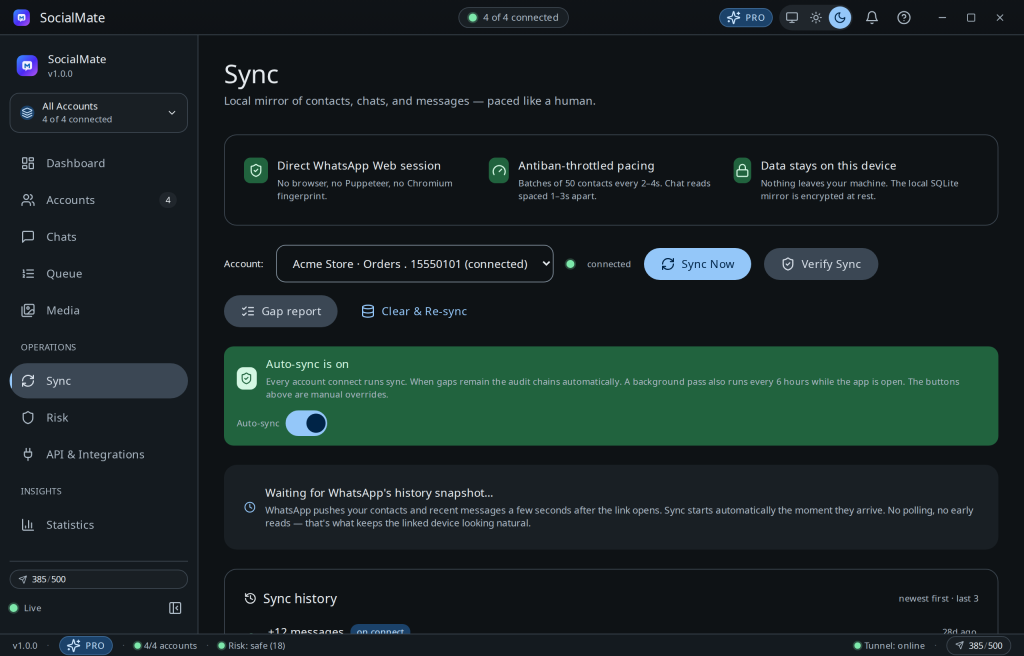
What syncs
- Contacts and chats.
- Message history, resolved correctly across modern WhatsApp LID ↔ phone-number identities.
- Media, per your download policy (see Media archive & cleanup).
Tip. Because everything lives in a local SQLite database (encrypted at rest), your archive is yours — back it up, inspect it, search it offline.
Pro. Auto-sync, full history, and unlimited search are Pro features. Compare plans →
Was this helpful?
Thanks for the feedback!