Download SocialMate — free.
Self-hosted WhatsApp automation. Run it on your machine — on your own residential IP, the same network as your phone — or headless on your own VPS. Installs in seconds, auto-updates from here on.
By downloading, you agree to the Terms of Use and Risk Disclaimer. Automating WhatsApp may violate its Terms of Service; use at your own discretion, and don’t automate a number you can’t afford to lose.
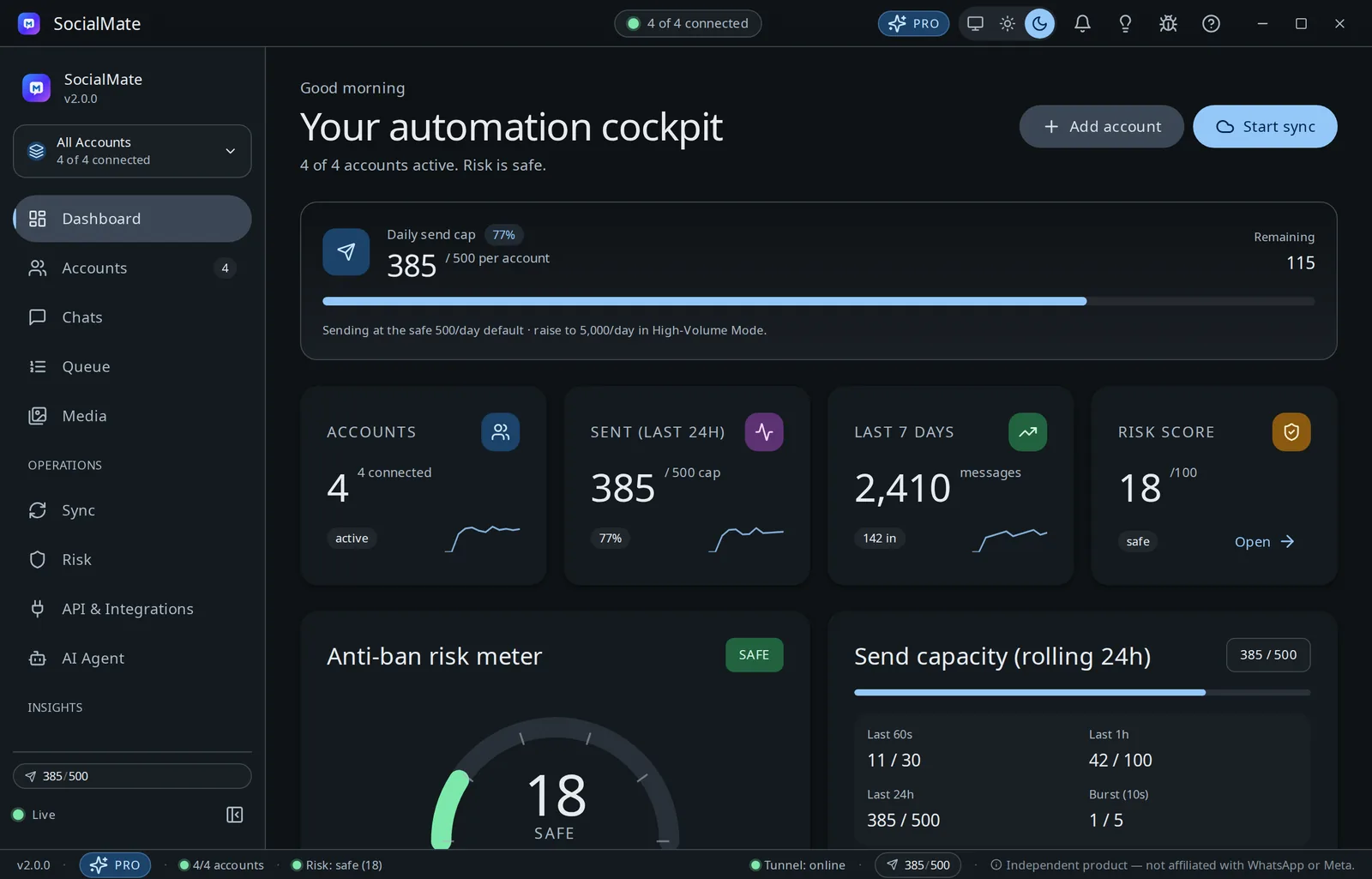
Desktop app
The way almost everyone should run it: on your machine, on your own residential IP — the same network as your phone. Install, scan a QR, done. No servers, no DevOps.
Free forever · auto-updates · Windows, macOS & Linux
Thinking about a server? Read this first. A WhatsApp linked device connects straight to WhatsApp’s servers, so your connection’s IP is visible to WhatsApp. The desktop app above sends from your own residential IP — ideally the same home network as the phone that owns the account — the network picture WhatsApp already associates with your number. A VPS runs on a datacenter IP, which carries lower network reputation. The anti-ban pipeline is identical either way, but the IP is the one thing a server can’t match a home connection on — so for a safety-critical number, prefer the desktop app, or route the VPS account through your own residential/mobile proxy (Pro) to put it back on a residential connection. It removes a common risk factor — no tool can guarantee against account bans. Desktop vs VPS: which is safer?
Or self-host on a server
For always-on automation without keeping a computer awake. The same app, headless on your own VPS, managed from the web console at /admin — on a datacenter IP.
Docker
RecommendedOne file, one command, clean updates — nothing installed on the host.
Deploy with Docker → Step-by-step: compose file, vault key, admin password
Linux · systemd
No Docker on the box — a one-line installer sets up Node and a system service.
Install on bare metal → Ubuntu/Debian · systemd service · socialmate-update
New to self-hosting? Start with the VPS overview — which one to pick.
Looking for a specific build or older versions? See all releases on GitHub.