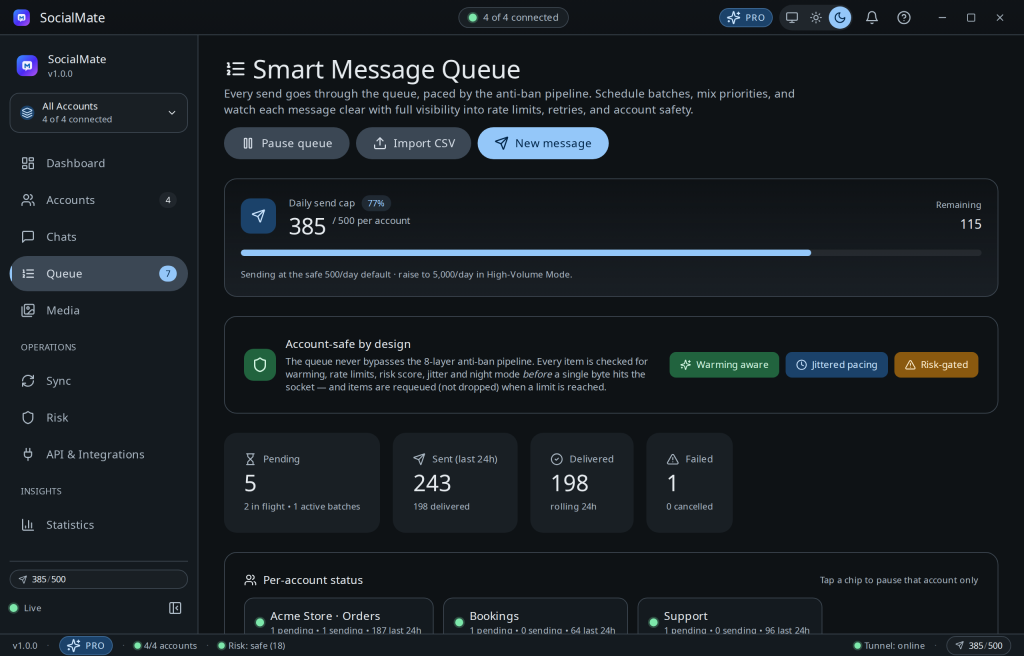
With scheduled messages (Pro) you queue a send for a future time, and the anti-ban engine handles the actual delivery — respecting rate limits and night pause so nothing goes out at a suspicious hour.
How it works
- Create a scheduled item with your message and a send time.
- It sits in the queue until then; at delivery time it passes through the full anti-ban pipeline.
- If a rate limit would be exceeded, the smart queue retries automatically rather than failing.
Tip. Schedule reminders and notifications, not spam. A reminder your recipient is expecting is both effective and low-risk; an unexpected blast is the opposite.
Pro. Scheduling and batch queueing are Pro features. See plans →
Queue lifecycle is fully observable via webhooks — see Webhook events reference.
Was this helpful?
Thanks for the feedback!