Want to feel the full engine before you pay? Every machine gets one 7-day Pro trial — full Pro, no card, started from inside the app in about ten seconds.
How to start it
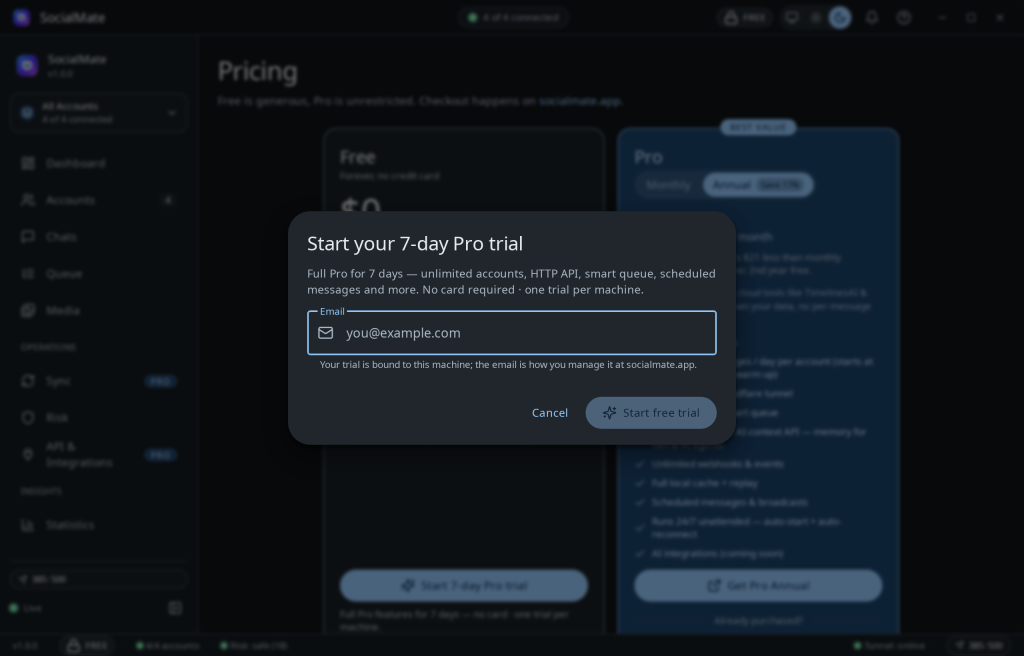
You can start the trial from three places in the app:
- the License step of the first-run setup,
- Settings → License, or
- the in-app Pricing page.
Each opens the same dialog, which asks for one thing: an email address. No card, no checkout. The email is how you manage the trial at socialmate.app — no account is created when you start (you can register later with that same email).
One trial per machine
The trial is bound to your machine and enforced server-side — reinstalling or wiping the app won’t grant a second trial. Starting it sends only your email, an anonymized machine ID (a salted hash — the raw hardware ID never leaves your device), and basic device facts like OS and app version. No hostname, no username, no message content.
Offline? If socialmate.app can’t be reached when you click Start, the app falls back to a local 7-day trial so you’re never blocked.
What you get
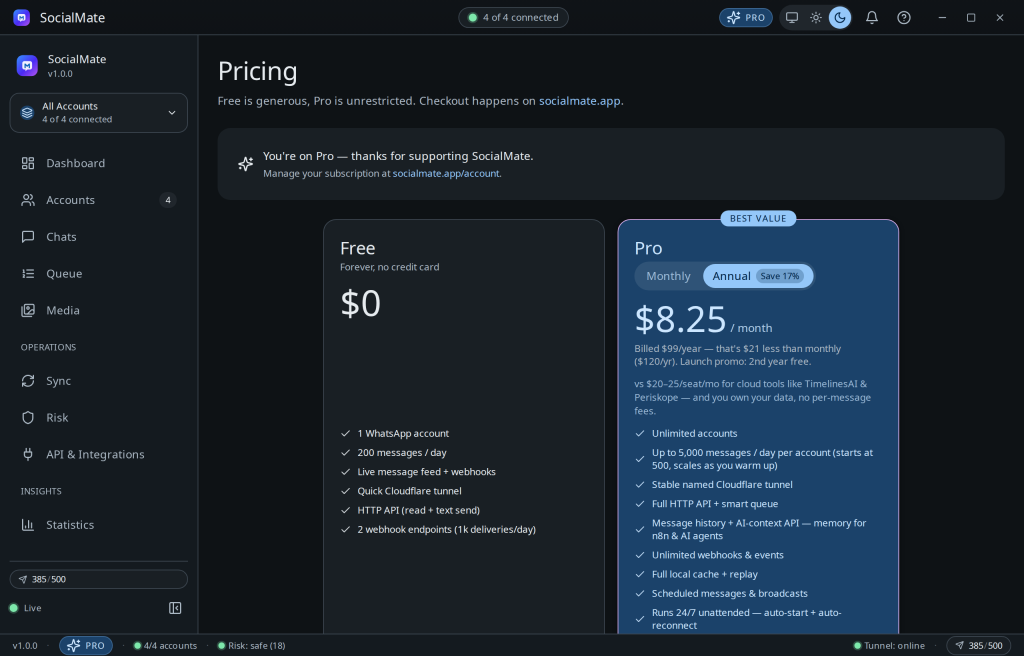
The full Pro tier for 7 days — unlimited accounts, the complete HTTP API, scheduling and the smart queue, full history and search, and everything else on the Pro list.
Knowing when it ends
A banner at the top of the app counts down and gets more insistent over the last days, and a one-time reminder dialog appears at 1 day left. You’re never surprised by the expiry.
What happens at expiry
The app drops to Free automatically — nothing is deleted:
- Accounts beyond #1 are suspended (their sessions are preserved, not logged out).
- Scheduled sends pause.
- History access locks — your messages stay stored locally.
Upgrade at any point and everything restores instantly: suspended accounts come back, the queue resumes, history unlocks. No re-sync, no data loss.
Converting to Pro
Buy a plan with the same email and your trial is marked converted. Your license key arrives by email — paste it into the “Already purchased?” box (or Settings → License) and Pro activates in place. See Activate your license key.
If something’s off
- “This machine already used its free trial.” This machine had a trial before — even under a previous install. Enter a Pro key or subscribe to continue.
- Can’t reach the server. The app falls back to a local 7-day trial automatically; if the dialog reports a connection error, check your network and try again.