SocialMate connects to WhatsApp over a direct WebSocket and auto-reconnects with backoff. If a number won’t come online, check these in order.
Quick checks
- Internet: confirm the machine is online and not behind a captive portal or restrictive proxy.
- Phone linked: on your phone, open WhatsApp → Linked devices and confirm SocialMate is listed and not removed.
- Re-link if needed: remove the device on your phone, then link again via QR or pairing code.
- Stable network: frequent drops raise your risk score and interrupt sync — switch off aggressive VPNs/firewalls that kill long-lived connections.
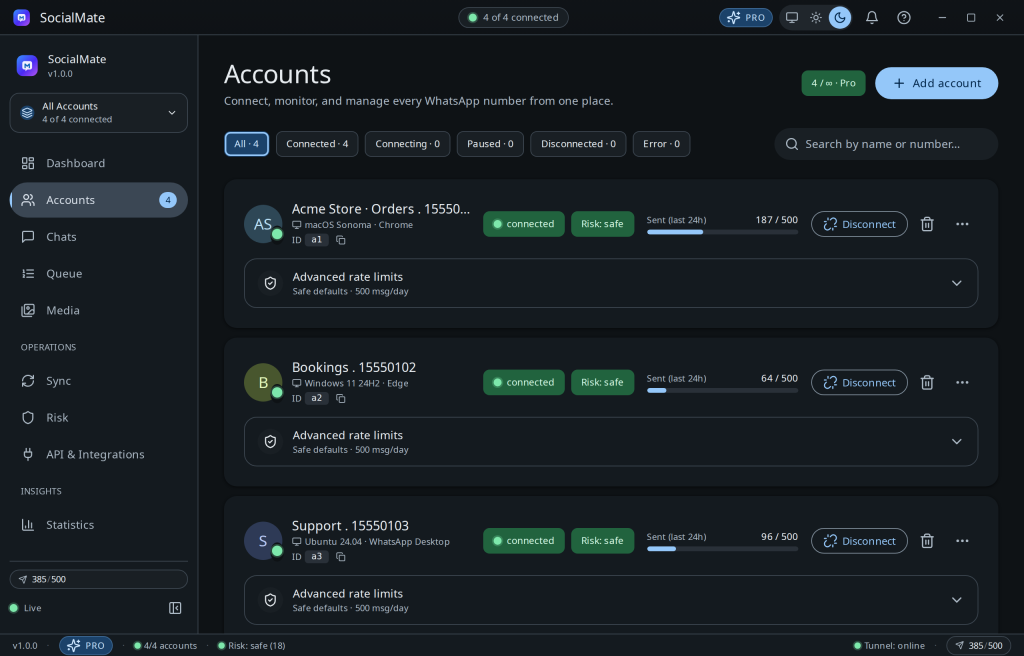
Tip. If only one account misbehaves while others are fine, the issue is that account/session — re-link just that number.
Still stuck after re-linking? Open a ticket — your app version and OS attach automatically so we can help fast.
Was this helpful?
Thanks for the feedback!