QR linking is usually instant. If it isn’t:
Fixes
- Refresh the code. QR codes expire for security — generate a new one and scan promptly.
- Increase contrast/size. Make the app window larger so the code is crisp; avoid scanning a dimmed screen.
- Use the right screen on your phone: WhatsApp → Settings → Linked devices → Link a device.
- Switch to a pairing code. In the wizard, choose Pairing code and enter the 8-character code on your phone instead.
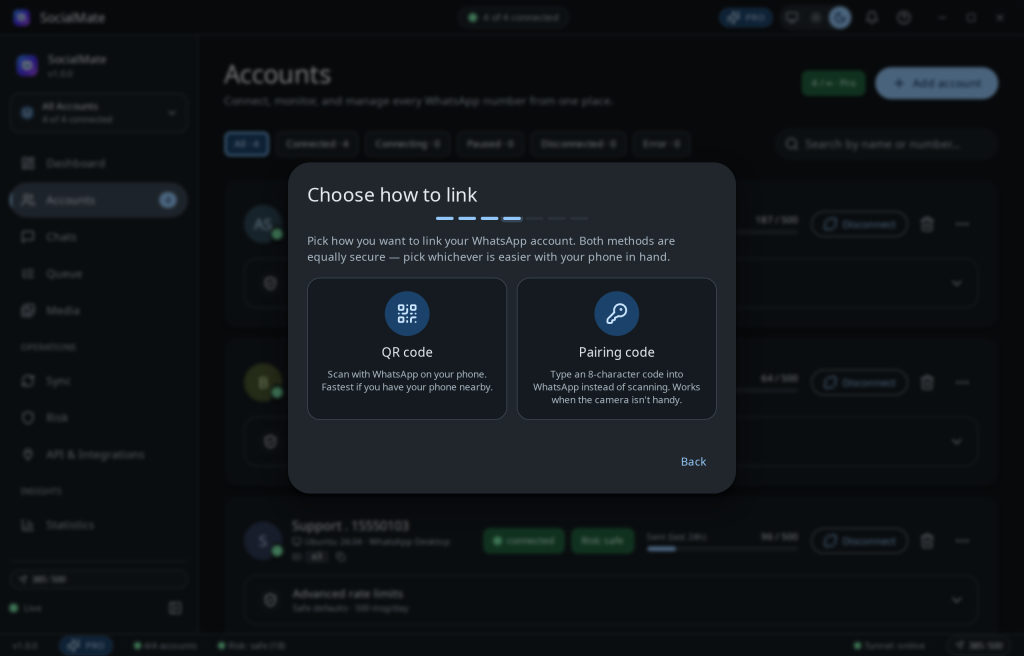
Tip. Pairing codes sidestep camera/screen issues entirely — they’re the reliable fallback when QR is fiddly.
Was this helpful?
Thanks for the feedback!