Your API lives on localhost. To let the outside world reach it (so a cloud automation can call your machine), SocialMate ships a built-in Cloudflare Tunnel — no port-forwarding, no firewall surgery.
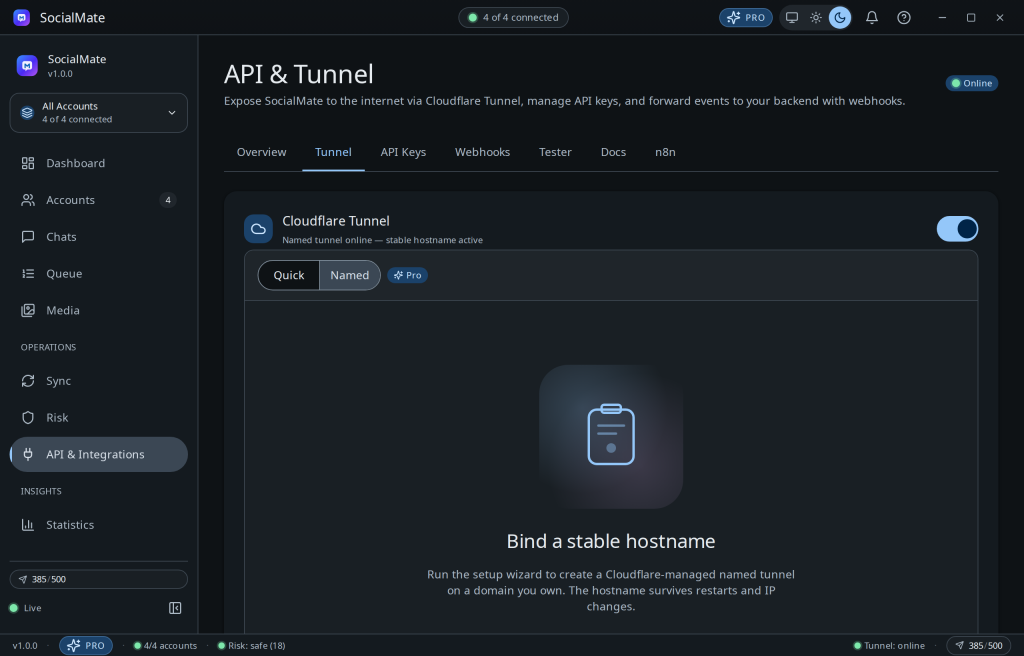
Quick vs Named
- Quick tunnel (Free) — a public URL that rotates each time you start it. Great for testing.
- Named tunnel (Pro) — a stable URL that stays the same across restarts, via a short setup wizard. Use this for production webhooks and integrations.
cloudflared is auto-downloaded per platform, and the tunnel auto-reconnects if its process dies.
Pro. A stable named URL is the practical difference between “demo” and “production.” Compare plans →
Trouble starting it? See The Cloudflare tunnel won’t start.
Was this helpful?
Thanks for the feedback!