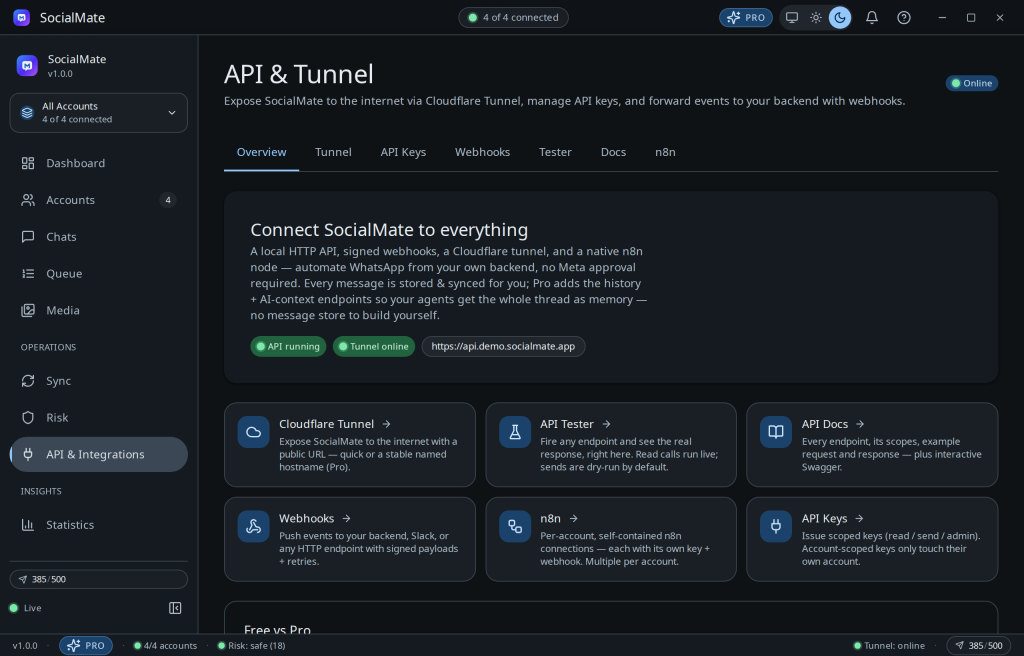
SocialMate runs a real local HTTP API (Fastify) on your machine — localhost:3456, yours, unmetered. It’s the natural backend for n8n, Make, or your own code.
Enable the API
Open Settings → API, turn the local HTTP server on, and copy your x-api-key.
Send a message
Sends are per account, so first list your accounts to get an id, then post to that account. chatId is just the recipient’s phone number in international format with the country code — +, spaces and brackets are fine (e.g. +1 (555) 123-4567). For a group, use its @g.us JID.
# list accounts → grab an id
curl http://localhost:3456/v1/accounts -H "x-api-key: YOUR_KEY"

# send text (works on Free; media is Pro)
curl http://localhost:3456/v1/accounts/ACCOUNT_ID/messages
  -H "x-api-key: YOUR_KEY"
  -H "Content-Type: application/json"
  -d '{"chatId":"15551234567","text":"Hello from SocialMate"}'
Or skip the terminal entirely
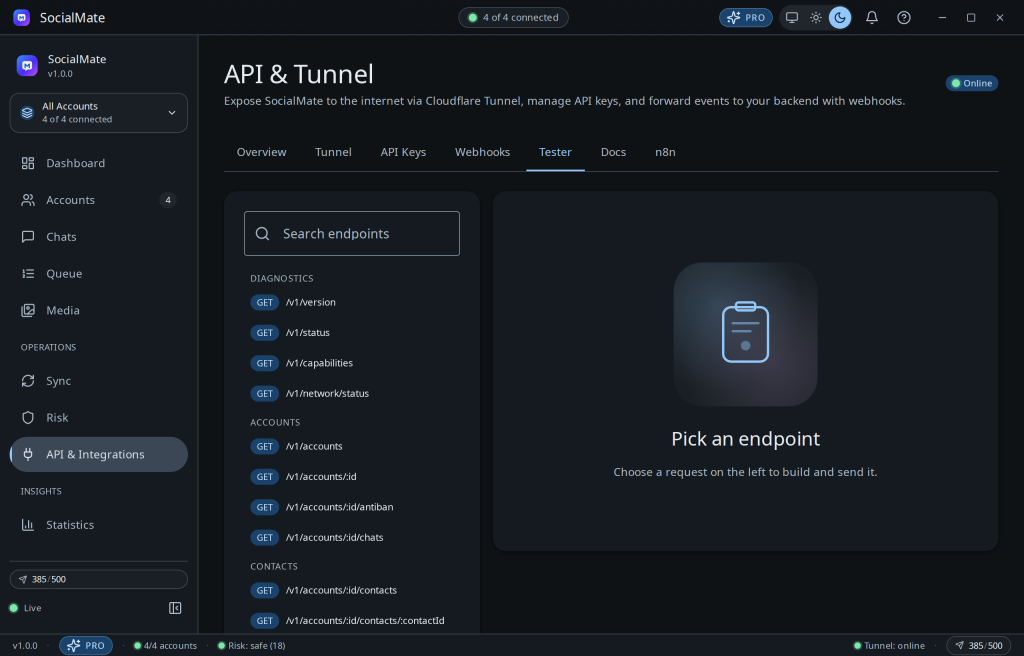
The API page ships a built-in Tester tab: pick an endpoint from the list, fill the parameters, and fire a real request at your live server — then copy the equivalent curl once it works.
What’s available
Endpoints (v1) cover health/status/version, accounts, chats, contacts, groups, antiban status, media (list/stats/get/file/thumbnail/download/delete), media queue + cleanup, network status, queue status, sync status, webhooks, and api-keys. Text send works on Free; media and group writes — sends, group management (including leaving a group), and media force-download/delete/cleanup — require Pro (a 402 tells you when a feature needs upgrading). Text send is at POST /v1/accounts/:id/messages; history reads are at GET /v1/accounts/:id/messages (Pro) — each message carries its reactions, and a poll’s results are at GET /v1/accounts/:id/polls/:messageId (Pro).
Tip. Every endpoint is documented in the live OpenAPI spec at /docs/openapi.json with human docs at /docs — see The OpenAPI spec & live docs.
Next: API authentication & keys · Setting up webhooks · Cloudflare Tunnel.