Sometimes the engine decides the safest thing is to stop sending for a while. That’s a feature, not a fault — a short cool-down now prevents a ban later.
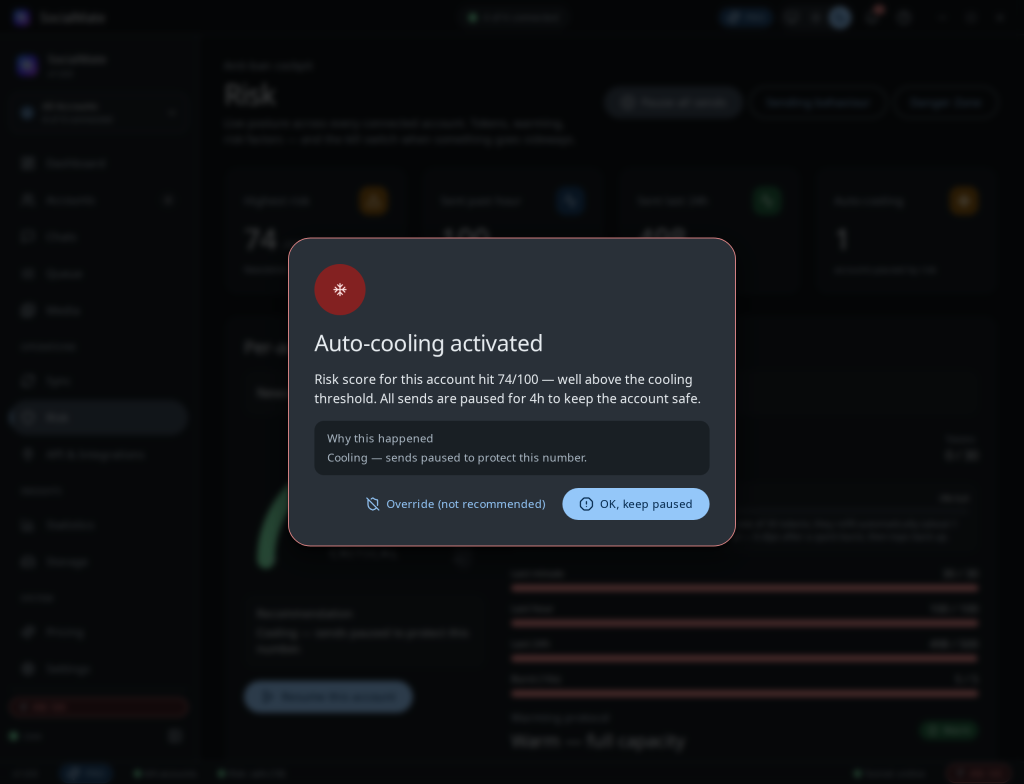
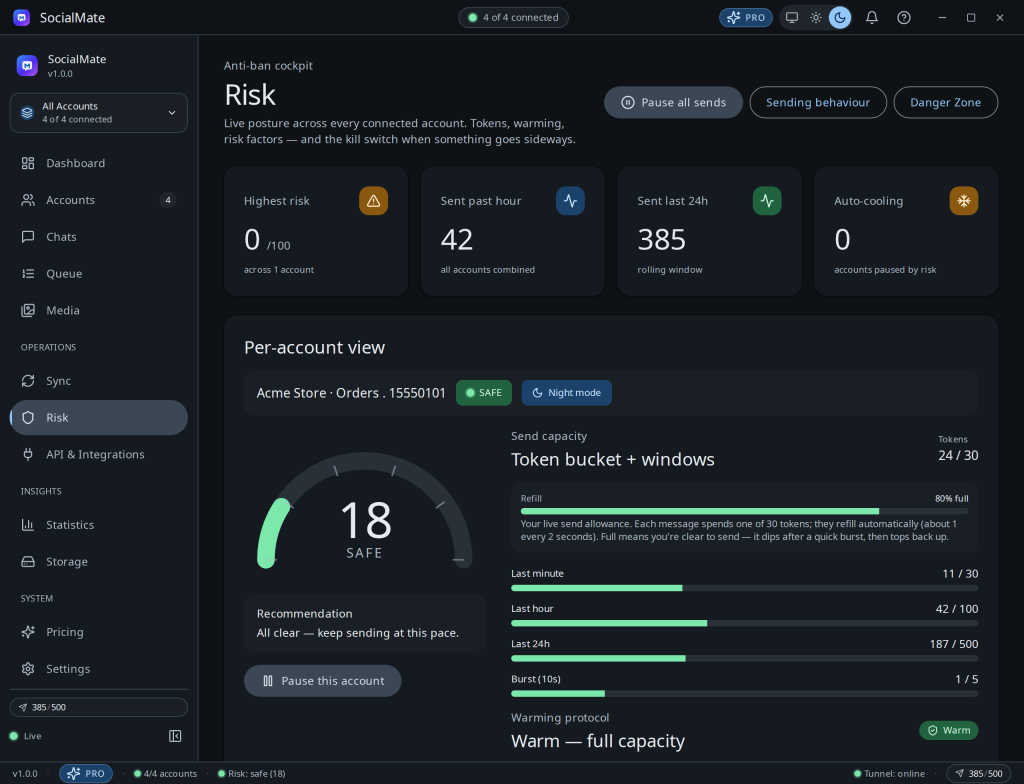
Why a cooling pause happens
- Your risk score crossed into the critical band.
- You hit a rate ceiling repeatedly.
- The connection got unstable.
- You manually triggered a pause (or the tray Pause-All button).
It resumes itself when risk recovers
An auto-cool isn’t a fixed timer you have to wait out. The engine keeps watching your live risk score and lifts the cool automatically the moment it has decayed back to a safe level — so a brief spike means a brief pause, and a genuinely overheated number rests longer. In practice the cool lasts only as long as it takes your recent activity to age out of the risk windows (a generous upper bound is there purely as a backstop).
On Pro, anything sitting in the smart queue then drains by itself as soon as the cool lifts — you don’t have to touch a thing. On Free, the blocked send returns a clear error instead of being queued, so you simply retry once the cockpit is back in the safe band.
How to recover
- Let it auto-resume. The safest move is to let the engine lift the cool itself once your risk recovers.
- Address the cause. Check the factor bars — if duplicates or velocity drove it, change that so the score falls faster.
- Resume manually only once the score is back in the safe band.
Don’t fight the engine. Repeatedly forcing sends through a cool-down defeats the protection. If you need more throughput, warm more numbers rather than pushing one harder.
See also Pause, resume & the panic button.