Real people don’t fire off messages at 3 a.m. Night pause stops sending during configurable quiet hours (for example, 11 p.m.–6 a.m.), so your account keeps a believable daily rhythm.
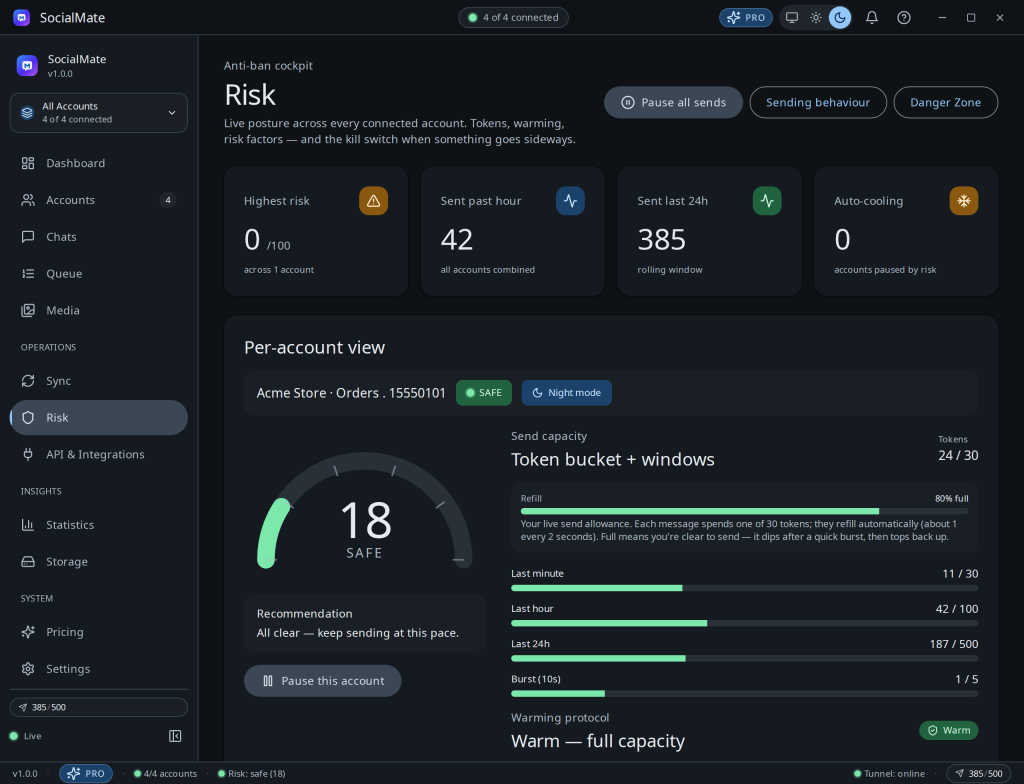
Configuring quiet hours
- The engine holds sends during quiet hours automatically; the account shows a Night mode badge on the Risk page while it’s paused.
- Quiet hours follow your local timezone.
- Anything queued during the window goes out the moment quiet hours end.
Tip. If you schedule messages, the scheduler respects night pause — a reminder set for 2 a.m. waits until your sending window opens, rather than going out at a suspicious hour.
Night activity is also one of the eight risk factors — see Understanding your risk score.
Was this helpful?
Thanks for the feedback!