Sometimes you just need to stop. SocialMate gives you global and per-account pause, plus a one-tap panic button in the system tray.
Ways to pause
- Pause-All (panic button) — in the tray menu, stops every account immediately, even when the main window is closed.
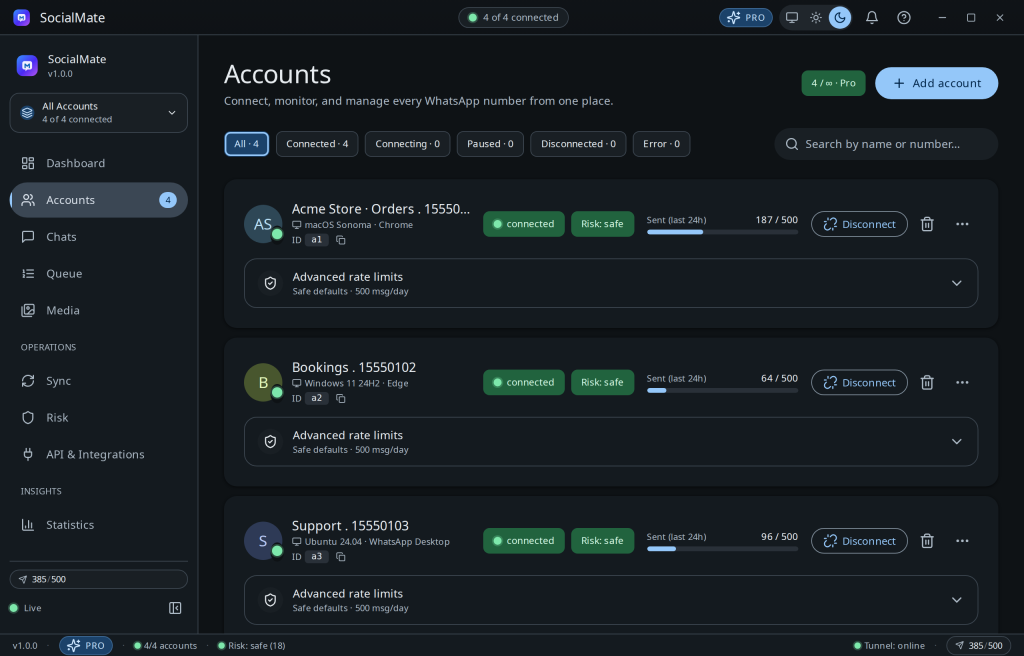
- Per-account pause — stop one number while the others keep running.
- Automatic cooling — the engine pauses you when risk spikes (see Cooling pauses & recovery).
Resuming
Resume from the same control. If you were auto-paused for risk, check that your score is back in the safe band first — resuming into a spike just re-triggers the cool-down.
Tip. The tray refreshes every 10 seconds with each account’s status dot, risk score, and messages-today — so the panic button is always one click away.
Was this helpful?
Thanks for the feedback!