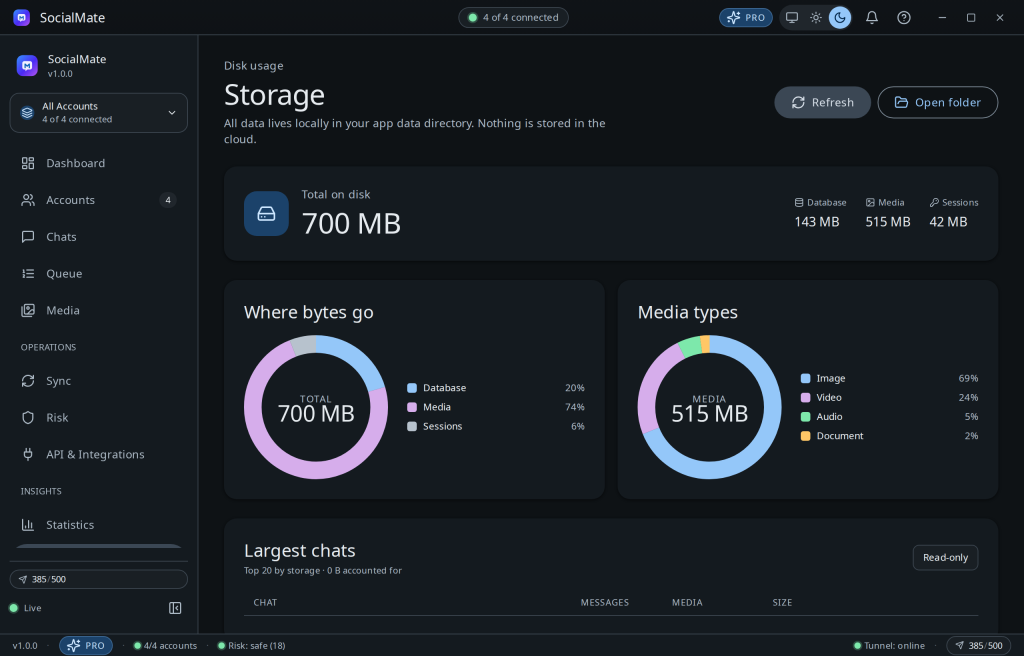
The Storage page breaks down exactly what’s on disk, so your local archive never surprises you.
Keeping it tidy
- See per-type and per-account usage.
- Set a media storage quota and auto-prune window (see Media archive & cleanup).
- Everything lives under
~/.wa-agent-server/— a folder you can back up or move.
Tip. Because it’s a local database plus media files, backing up your whole archive is as simple as copying that directory while the app is closed.
Was this helpful?
Thanks for the feedback!