Buying Pro is three steps, and your card details never touch our servers.
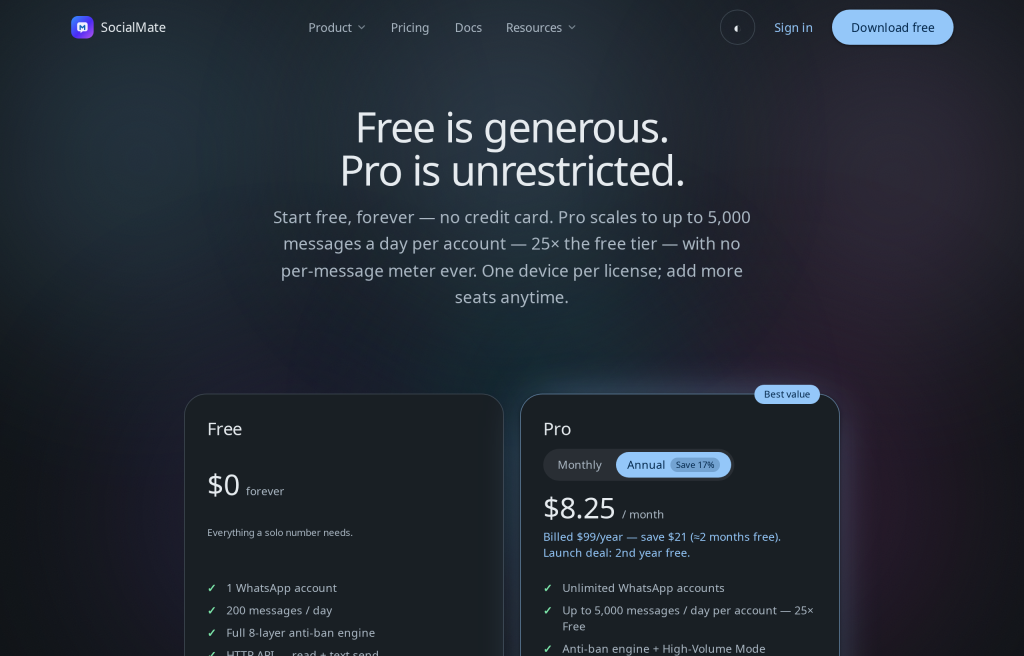
The flow
- Pick a plan on the pricing page (monthly or annual).
- Check out on socialmate.app. Payment is processed by FastSpring, our merchant of record.
- Get your key — your license (
SM4-XXXX-XXXX-XXXX-XXXX) arrives by email. Paste it into Settings → License, or straight into the Already purchased? box in the app’s upgrade prompts and Pricing page, to unlock Pro instantly.
No account needed for Free. The Free tier needs no sign-up at all, and starting a Pro trial only asks for an email — no account is created. A full account on socialmate.app comes with your purchase (or by registering later with your trial email); it’s where you manage licenses, devices, and billing. Sign-in is passwordless — see Your account portal.
Already paid but no key? Check spam, then sign in and use Resend key email, or see Find or resend your license key.
Was this helpful?
Thanks for the feedback!