Everything about your subscription lives in your account — license cards on the Licenses tab, payment history under Billing.
Your license card
- Each card shows the true recurring total — base plan plus any device seats (base + N × seat) — and the renewal date.
- The Device seats stepper lives right on the card. Pick a new count and review the change: you’ll see the exact prorated, tax-inclusive amount before you confirm. Seat changes process in the background — the count updates once FastSpring confirms. See Managing devices & seats.
- Cancel takes effect at the end of your paid period, and a Resume button stays available while the cancellation is pending. See Cancel your subscription.
Also from your account
- Update your payment method (handled securely on FastSpring’s self-service portal).
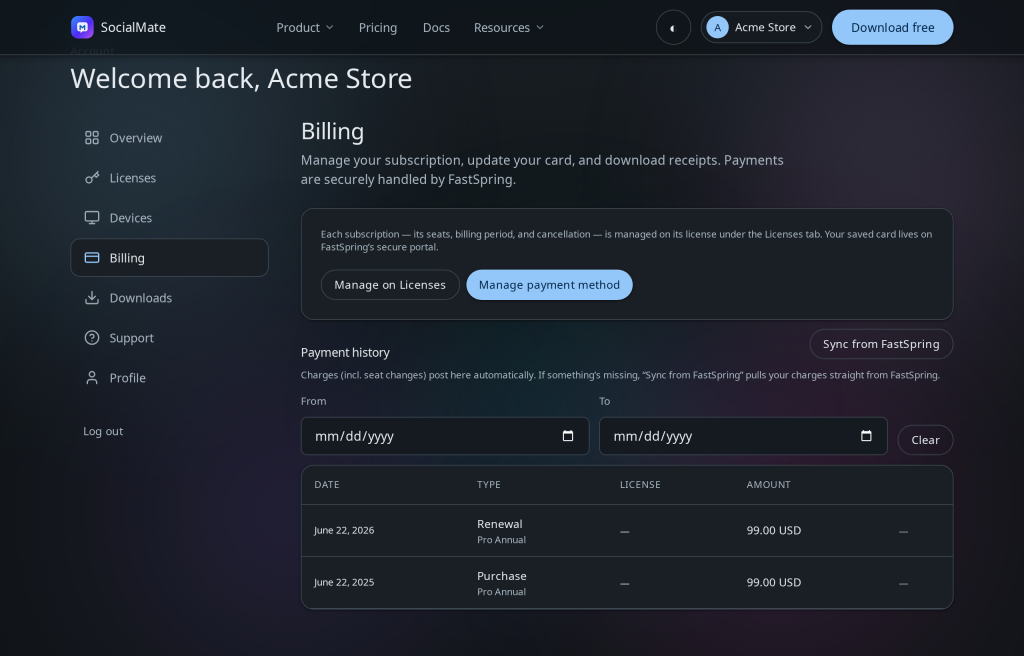
- See payment history and receipts under Billing — see Invoices, receipts & VAT.
- + Add a license buys another full license on whichever term you want — including a different billing period.
Tip. Changing your plan never affects your data or your linked numbers — only what your license unlocks. Downgrades keep everything on your machine.
Was this helpful?
Thanks for the feedback!