The portal uses passwordless magic-link sign-in. There’s no password to create, forget, or leak.
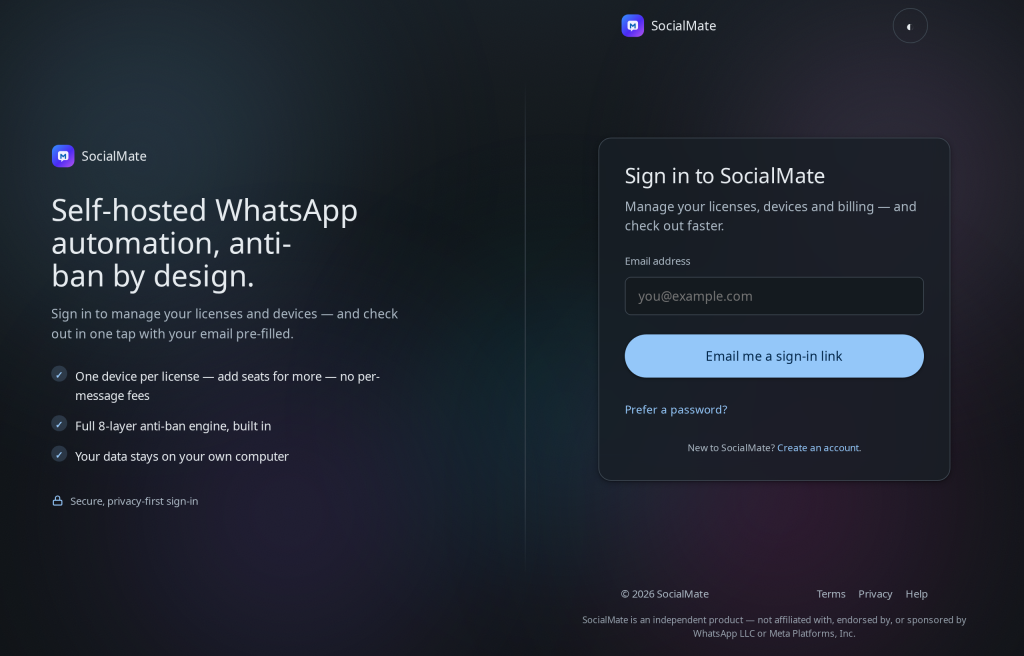
How to sign in
- Go to socialmate.app/account and enter the email you purchased with (or started your trial with).
- Check your inbox for a one-time link and click it.
- You’re in — the link signs you in securely and expires after use.
No email? Check spam, make sure you used your purchase email, and try again after a minute. Still nothing? Contact support.
Why magic links. Fewer passwords means fewer breaches. The link is single-use and time-limited, so even if it’s seen later it can’t be reused.
Was this helpful?
Thanks for the feedback!