If a chat looks incomplete or sync seems stalled, it’s usually a fillable gap rather than lost data.
What to do
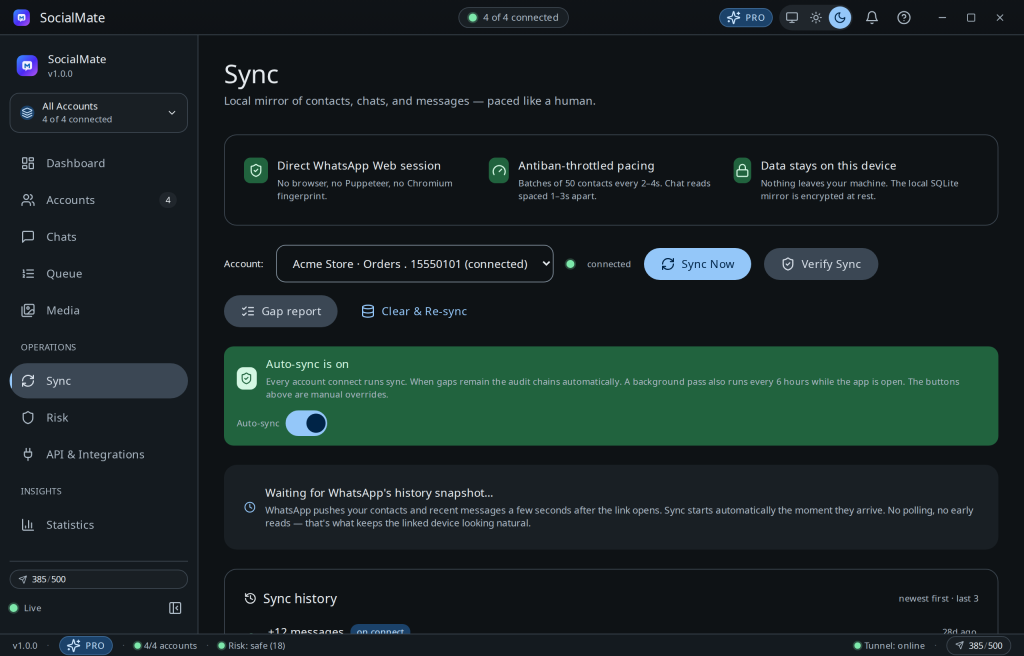
- Open the Sync page and check the gap/coverage report (chats-with-gaps, empty chats).
- Re-run sync to fill detected gaps.
- Confirm the number is connected — sync needs an online session.
- Check your tier. Auto-sync, full history and search are Pro; on Free, messages are persisted but the in-app history view and search are locked (live-only). See Auto-sync on connect.
Tip. Identity changes (LID ↔ phone number) are resolved automatically, so messages reattach to the right contact after a sync.
Was this helpful?
Thanks for the feedback!