SocialMate auto-downloads cloudflared and manages the tunnel for you. If it won’t come up:
Checks
- Let the download finish. First start fetches
cloudflaredfor your platform — give it a moment on a stable connection. - Network/firewall. Corporate networks sometimes block tunnel traffic; try another network to isolate it.
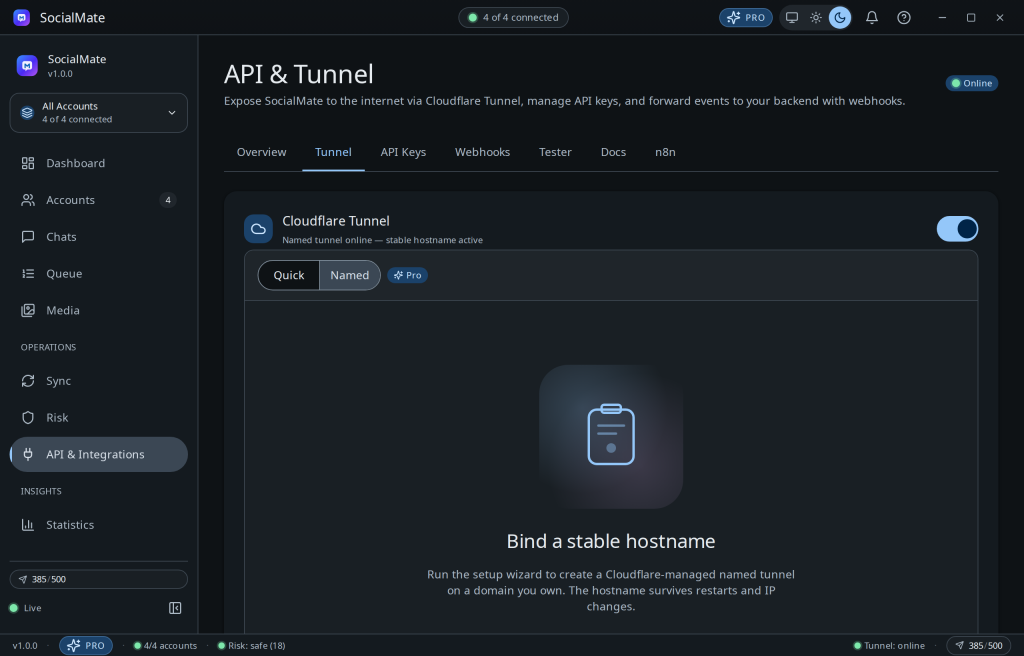
- Quick vs named. A Quick tunnel (Free) just starts; a Named tunnel (Pro) needs the short setup wizard completed. See Quick vs Named.
- Auto-reconnect. If the process dies, SocialMate restarts it — a brief flap can self-heal.
Tip. Subscribe to the tunnel.url_changed and tunnel.stopped webhooks so your integrations always know the current public URL — both are available on Free. (tunnel.started is Pro-only, but you don’t need it for this: tunnel.url_changed fires with the new URL whenever the tunnel comes up.)
Was this helpful?
Thanks for the feedback!