Self-hosted
Your site talks only to the SocialMate app or server you run, on your computer or your own server. Disconnecting stops all traffic.
No SocialMate cloud in between. Every request is signed, customers only ever see their own orders and bookings, anything that changes your site starts off — and every call is logged, with Revert.
get_my_order(1043)
Claude Agent · Model: your choice
The plugin never contacts socialmate.app or any service we run. The address of your SocialMate comes from the token you paste.
Your site talks only to the SocialMate app or server you run, on your computer or your own server. Disconnecting stops all traffic.
SocialMate signs every request; old or replayed ones are refused. Credentials are stored hashed or encrypted.
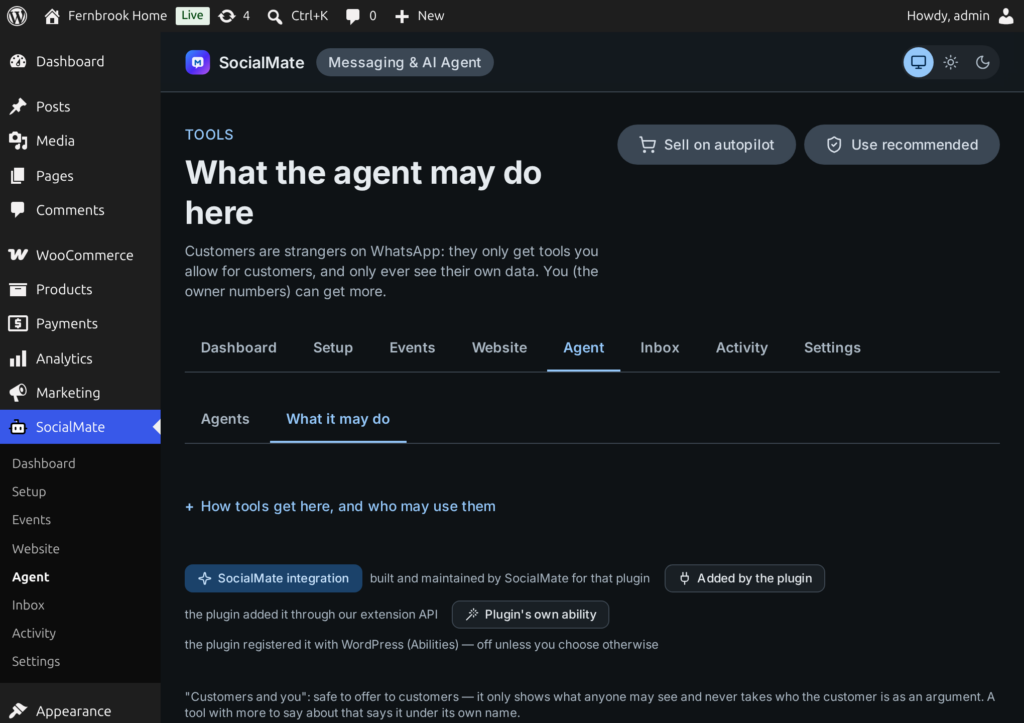
Customers get only the tools you allow for customers. The owner lane is only for your own numbers that you give owner tools, each acting as a WordPress user you choose — a number that only gets alerts never does.
Never from the AI. A customer tool cannot take a phone, email, user id or record id; records are matched against the caller’s exact WhatsApp number.
Anything that changes your site is off until you turn it on — and with Ask me first you see the exact change before it happens.
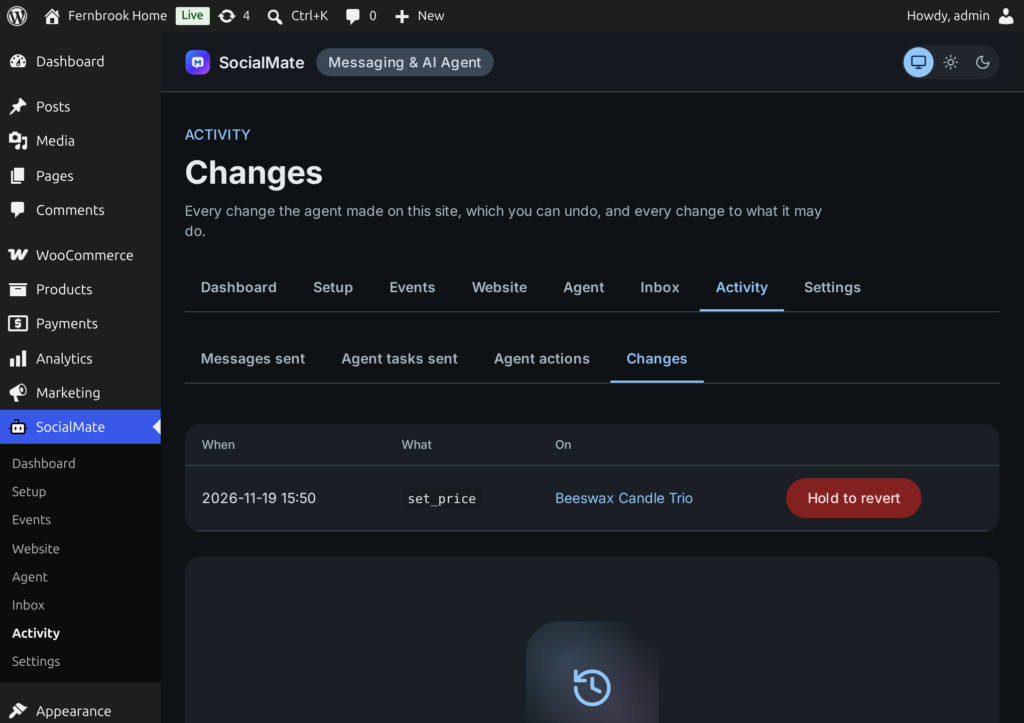
Every tool call is logged under Activity, and content and catalogue changes can be reverted. You choose how many days the log is kept.
Who someone is comes from their WhatsApp number in the signed request — not from anything typed in the chat. Ask for someone else’s order and the answer is “not found”.
Activity lists every tool call — when, which tool, who asked (customer numbers masked), with what, and whether it ran or was held. Its Changes tab lists what was changed — stock, prices, coupons, products, content — each with Hold to revert.
Consent rules and privacy tools are on every plan.
Offers, reminders and follow-ups go only to the audience you choose (never a stranger, never after a STOP) — order messages only to the order’s own number. A reply STOP is honoured on Pro.
Consent guide →A form or booking can carry anyone’s number, so a message a visitor causes goes to that number at most once a day.
Unknown numbers get an identical screen and nothing is sent; editors and admins never sign in by code.
Sign-in security →Contacts, consent and messages join WordPress’s own Export and Erase Personal Data tools.
Settings, the message queue, logs, tables, scheduled tasks and capabilities — and SocialMate is told the site is gone. Keeping your data is an opt-in under Settings → Advanced.
With the agent, conversations and tool results go to the AI provider you choose in the SocialMate app, under that provider’s terms — nothing before you connect.
From the plugin’s own disclosure, in plain words.
Your site’s address and name, the plugin’s endpoint addresses, the credentials for this connection, versions — and with the agent, the tools you offer.
The recipient’s number and the text, so SocialMate can send it from your number.
The customer’s number and only the details of that record the job needs.
That tool’s result — limited to what the tool and the lane allow.
Your numbers, their sending limits and the connection’s health.
Your numbers’ status, your plan — and on Pro, incoming messages, read only to honour STOP and START.
The model never chooses a recipient, untrusted text is fenced against prompt injection, every send is paced like everything else, and an error is never sent as a reply.
No. It talks only to the SocialMate app or server you run yourself, and never contacts socialmate.app. With the agent, the app sends conversations and tool results to the AI provider you choose, under that provider’s terms.
SocialMate signs every request, and old or replayed ones are refused. Credentials for the connection are stored hashed or encrypted.
Who a customer is comes from the signed request, never from what the AI types: customer tools cannot take a phone, email, user id or record id, and records are matched against the caller’s exact number.
Every tool call is logged under Activity, and content and catalogue changes (posts, comments, products, stock, prices, coupons) can be reverted there; order changes are undone in WordPress. Changing tools start off, and with “Ask me first” you approve each change before it happens.
It gives you the tools: consent at checkout, offers only to people who agreed, STOP on Pro, and WordPress’s own Export and Erase Personal Data tools. Whether your use is compliant depends on how you use it.
Everything it created is removed — settings, the message queue, logs, tables, scheduled tasks and capabilities — and SocialMate is told the site is gone. To keep it, turn on “Keep settings and logs if the plugin is deleted” under Settings → Advanced first.
Install the free plugin, connect it to SocialMate with one token, and choose what should happen for each event. Messages work on every plan; the Claude Agent comes with Pro.